Awera watches the cameras your building already has — restricted rooms, unescorted visitors and after-hours activity — without anyone sitting in front of a wall of screens.
Try it on your own cameras for 30 days · nothing to pay before it ends
Offices & workplaces, on the cameras already there. Everything in this film runs on your own feeds: no new cameras, no rewiring. Watch with sound
Some of the things it catches in your office, day and night:
Someone entering right behind a badge-in.
A person in the office when nobody should be.
Server, records, or executive areas entered.
Someone down at a desk or in a stairwell.
A door or lane that must stay clear.
Someone lingering at reception or in the lot.
Entry outside the normal access points.
A camera covered, turned away, or suddenly blind.
Smoke or flame in view, flagged in seconds.
A bag or object left where it shouldn't stay.
A vehicle parked in a lane or zone that must stay clear.
A leak spreading where it will do damage.
Add your own checks in plain English — Awera watches for those too.
Who is in, which floors are full, which rooms sit booked and empty, and whether reception opened and the cleaning ran.
| Mon | Tue | Wed | Thu | Fri | Sat | Sun | |
|---|---|---|---|---|---|---|---|
| Reception open07:30 | |||||||
| Fire exit sweep08:00 | |||||||
| Cleaning round20:00 | |||||||
| Server room check21:00 |
| When | Then | Today |
|---|---|---|
| countMeeting room booked but empty for 15 min | →Release it in the booking tool | fired 1×12:39 · room 5B |
| countCafeteria over 60 people | →WhatsApp the cafe manager | watchinglast Tue 13:05 |
| timeFire exit open over 10 min | →Alert facilities | watchinglast Mon 19:32 · cleared in 8 min |
| eventEntry to the server room outside hours | →Call the IT manager | watchinglast Thu 21:10 · authorised |
| eventSomeone falls in a corridor or stairwell | →Call reception, then first aid | watchingnever · watched on all 32 cameras |
Reception opened early and the fire exits were swept by 08:00. 291 people in, 5% up on last Thursday, fullest at 11:00. One meeting room sat booked and empty and was released. Cleaning is due at 20:00.
Example figures, shaped like a real week. The screens are the product’s own.
No rip-and-replace. Awera runs on the CCTV you already have.
Every feed is understood in plain language and checked against the rules above, 24/7.
Only what matters reaches your people — in seconds, on WhatsApp or a call.
Reception sees the lobby. Facilities sees the floors. You see every building.
Nobody opens footage that is not theirs.
Set once, per person, per site.
Floors, buildings, cities: one login and one list to look at on a Monday morning.
Until a real person has it.
There is a web console and a mobile app. Facilities and reception use the console on their screens: people in the building by floor, meeting rooms in use, the car park, and whether cleaning and the fire exit sweep happened. The alerts that need someone to move, a propped fire door or an entry to the server room out of hours, go to the phone of whoever is on duty.
Yes. One account with roles. IT can be given only the server room and comms cupboards. Reception sees the lobby. Facilities sees the whole building. If you run several buildings, each is a site under the same login, and someone at head office can see them all on one screen without touching the settings on any of them.
It can tell you how many people are on each floor right now, counted in view, and how many have arrived through the lobby today, counted at the door. Those two numbers are what facilities uses for cooling, cleaning and catering. An exact live total for the whole building depends on a camera at every entrance and drifts over a day, so we show per floor and per door.
Yes. Set the routines you expect, the cleaning round at 20:00, the fire exit sweep at 08:00, the server room check at 21:00, and Awera watches for the person on the route. Each routine shows done on time, late or missed for every day of the week. You stop asking the contractor and start reading the grid.
It is not. It watches for the moments you set: a secure door tailgated, a restricted room entered out of hours, a fire exit left open. It counts people on a floor but does not follow anyone or record where a person sat. The footage stays on your recorder, faces can be blurred on the device before a clip leaves, and everything anyone views is written to an audit trail.
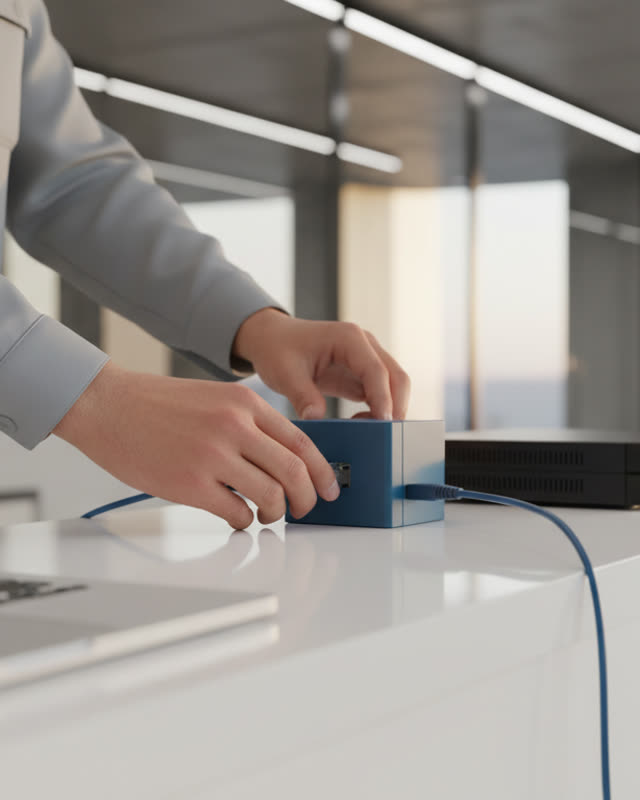
Yes, as long as the recorder gives us the feeds. The Awera device sits beside that recorder, whether it is the landlord's NVR or your own, and connects to Hikvision, Axis, Dahua, CP Plus and any ONVIF or RTSP camera on it. Most tenants either share the landlord's recorder with their permission or connect the cameras on their own floors. We sort this out on day one.
No. Staff in the office at 21:00 is normal and stays quiet. What reaches someone is what you have asked for: a person in the server room after hours, a fire door propped past ten minutes, a car in a visitor bay overnight. The rules are tuned to your building during the trial, and on the rare critical event a person still makes the final call.
Yes. When two people go through a card-controlled door on one swipe, the front desk gets a WhatsApp with the clip and the door named, while the second person is still in the corridor. Over the week the console shows which doors it happens at most, which is usually one door and one time of day, and that is where a word with the team or a second reader fixes it.
We show Awera running on a place like yours, map your top scenarios to the console, and give you an indicative price for your camera count. Then, if you want it, a 30-day trial on your own cameras.
Or chat on WhatsAppThanks! We'll be in touch within a day with a few times to pick from.