Part of Questions people ask
Will it work on my cameras? Getting started
Do you need new cameras, how long does it take, and what does it actually notice? The questions people ask before getting started.
5 Sep 20267 min read
Every building that already has cameras eventually asks the same thing: could these do more than record? The answer is yes. These are the questions that follow, in the order people ask them. Short answer first, detail after, and a link to the page that shows it.
Getting started
Nothing new to buy, one day to running, a month to decide.
Do I need to buy new cameras?
No. Awera runs on the cameras you already own.
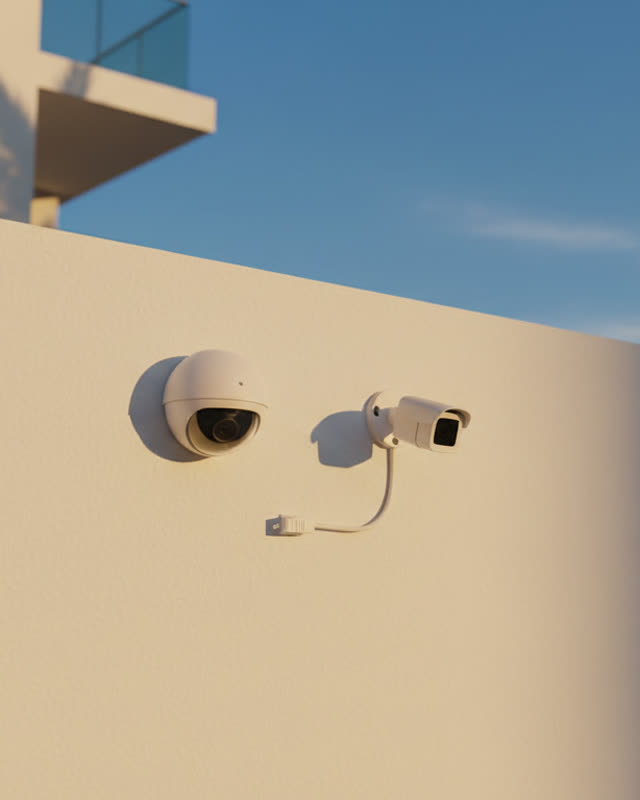
Almost every camera installed in the last ten years sends its video over the network in a standard way, and that is what Awera connects to. Nothing is torn out, nothing is rewired, and your recorder keeps recording exactly as it does today. An office with forty cameras on an ordinary recorder is the typical starting point, and it needs no new hardware beyond the Awera device.
The one honest check is whether a camera is actually working. Some are offline, misaimed, or quietly recording nothing, and we check every camera on day one of the trial, before the device is installed. Does it work with my existing cameras? walks through it.
Which camera brands work? Hikvision, Dahua, CP Plus, Axis, Reolink, others?
All of those, and effectively any camera that speaks RTSP or ONVIF.
That covers nearly every network camera on the market, and every camera connected through a standard NVR or DVR, because Awera reads the same feeds the recorder does. The brand matters far less than whether the camera is on the network and pointed at something useful.
Very old analogue cameras wired straight to a monitor are the exception, and even those usually pass through a recorder Awera can read from. The compatibility check happens on day one, camera by camera, so you get a written list rather than a guess.
How long does setup take, and who does it?
One day to running. Thirty days to decide.
We do it. On day one we come to your site, check every camera, and install the Awera device on the ones that work; you get your price the same day. From there the trial runs for a full month with real alerts and real reports on your own cameras. A school can go from first call to live alerts on its gate cameras within a week, without touching its own network setup.
Can I try it on a few cameras first?
Yes. That is how most sites begin.
The 30-day trial can cover a handful of cameras, usually the ones that matter most: the gate, the loading bay, the till, the pool. A store might start with the entrance and the back door and add the aisles once it has seen a month of alerts.
Starting small is also the fastest way to learn which rules you actually want, because you see what the cameras flag on your own site rather than in a demo. There is nothing to pay before the trial ends.
Does it need a device on site, or does it run in the cloud?
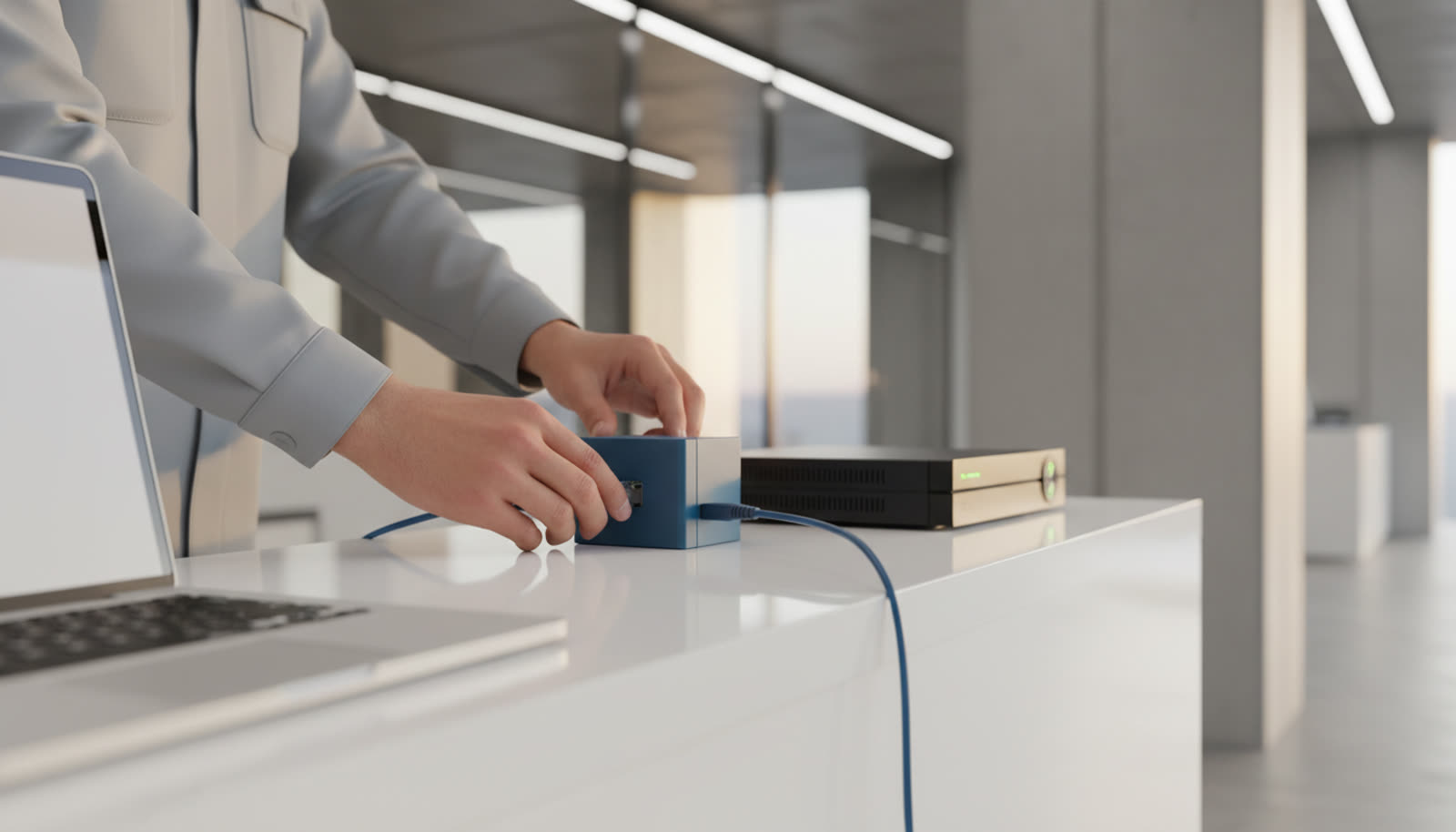
The Awera device, installed alongside your recorder. Your recorder keeps the footage; only the moments that matter are sent on, encrypted.
The device connects to your NVR or DVR and watches the feeds locally. It does not stream your recorder's footage anywhere. When it sees a moment that needs a proper look, it sends that moment only, encrypted, with faces blurred on the box first if you have chosen that, and the alert comes back to your phone with the clip. That split matters for three reasons:
- Your continuous footage stays on your recorder.
- Only small, encrypted clips use your internet connection.
- The device keeps watching and queues what it finds when the connection is poor.
A warehouse with sixty cameras would otherwise be pushing an enormous amount of video upstream all day. What is CCTV intelligence, in plain language? explains what the device is actually doing with the video.
What it actually does
Noticing, not detecting motion. And being honest about the limits.
How is this different from the motion alerts my recorder already sends?
Motion alerts fire on pixels changing. Awera understands what it is looking at.
A cat, a headlight, a tree in the wind, rain on the lens: to a recorder, all of them are "motion". Most people turn motion alerts off within a week because nothing they say is useful.
Awera knows the difference between a resident walking through an apartment gate and a second person slipping in behind their car, and it only speaks when the second thing happens. The alert tells you what happened, where, and when, in a sentence, with the clip attached. The plain-language explainer covers it properly.
What kinds of things does it notice?
The moments that matter on a site, and you can add your own.
- Someone at the boundary or gate who does not belong, or tailgating through it.
- Loitering that turns into a pattern.
- A door or loading bay open at the wrong time.
- Crowding. A vehicle where it should not be. A bag that has not moved.
- A person on the ground who does not get up.
- A camera that has gone dark.
Each kind of place has its own list. A school cares about a student slipping out mid-morning, a warehouse about a missing helmet, a hotel about the pool after closing. You can also add your own checks in plain English, tested on your own footage first: Awera calls a rule like "nobody in the pool after ten" an Automation, and a check that something did not happen on time, such as a missed guard round, a Routine. Eight things Awera catches that a guard misses shows the most common ones.
What does an alert look like on my phone?
A short sentence, a time, a camera, and the clip. It arrives in the app, as a phone notification, or as a call.
Which of the three you get depends on the severity of the alert and what you have chosen. A routine one lands in the app and as a notification; a critical one calls you, and goes to whoever you have named for that kind of alert. A hotel might send after-hours pool alerts to the duty manager and a fire-lane alert to security. You open it, watch ten seconds of clip, and decide.
The live demo on the homepage shows real alerts on real footage.
Does it work at night, in rain, on cheap cameras?
Mostly yes, with honest limits.
Night is fine wherever the camera itself can see. Infrared cameras and lit areas work well, and a gate under a floodlight is one of the easiest scenes there is.
Rain and fog reduce what any camera can see. A factory yard camera in a downpour at 3 a.m. will catch a vehicle at the gate but may not tell you whether the driver was wearing a vest.
Cheap cameras work as long as the picture is reasonably sharp. A very low-resolution camera far from the action will miss details a better camera would catch. The day-one camera check tells you which cameras are in a position to be useful and which need moving, and it is usually a short list.
What will it not catch?
Anything the camera cannot see, and a few things cameras are bad at.
It cannot identify a face from across a car park, read intent, hear a shout, or spot a small object hidden in a hand. It will not tell you a person is a thief; it will tell you someone concealed an item in an aisle. It is not built to judge a "near miss" or a "suspicious" walk, because systems that try to do that ring all day.
It also depends on cameras that are pointed at the right thing and working, which is why every camera is checked on day one. What a guard misses is the other half of the picture: the things a person misses that a system does not.
| Question | Short answer |
|---|---|
| Do I need to buy new cameras? | No. Awera runs on the cameras you already own. |
| Which camera brands work? Hikvision, Dahua, CP Plus, Axis, Reolink, others? | All of those, and effectively any camera that speaks RTSP or ONVIF. |
| How long does setup take, and who does it? | One day to running. Thirty days to decide. |
| Can I try it on a few cameras first? | Yes. That is how most sites begin. |
| Does it need a device on site, or does it run in the cloud? | The Awera device, installed alongside your recorder. Your recorder keeps the footage; only the moments that matter are sent on, encrypted. |
| How is this different from the motion alerts my recorder already sends? | Motion alerts fire on pixels changing. Awera understands what it is looking at. |
| What kinds of things does it notice? | The moments that matter on a site, and you can add your own. |
| What does an alert look like on my phone? | A short sentence, a time, a camera, and the clip. It arrives in the app, as a phone notification, or as a call. |
| Does it work at night, in rain, on cheap cameras? | Mostly yes, with honest limits. |
| What will it not catch? | Anything the camera cannot see, and a few things cameras are bad at. |
What to do next
If your cameras are on a network and pointed at the places that matter, it will work. The next step is a 30-day trial: we check every camera and set it up on day one, and you decide on day thirty.
Try Awera on your own cameras for 30 days.
We set it up on day one. Real alerts for a month. Nothing to pay before it ends.
Start a 30-day trial